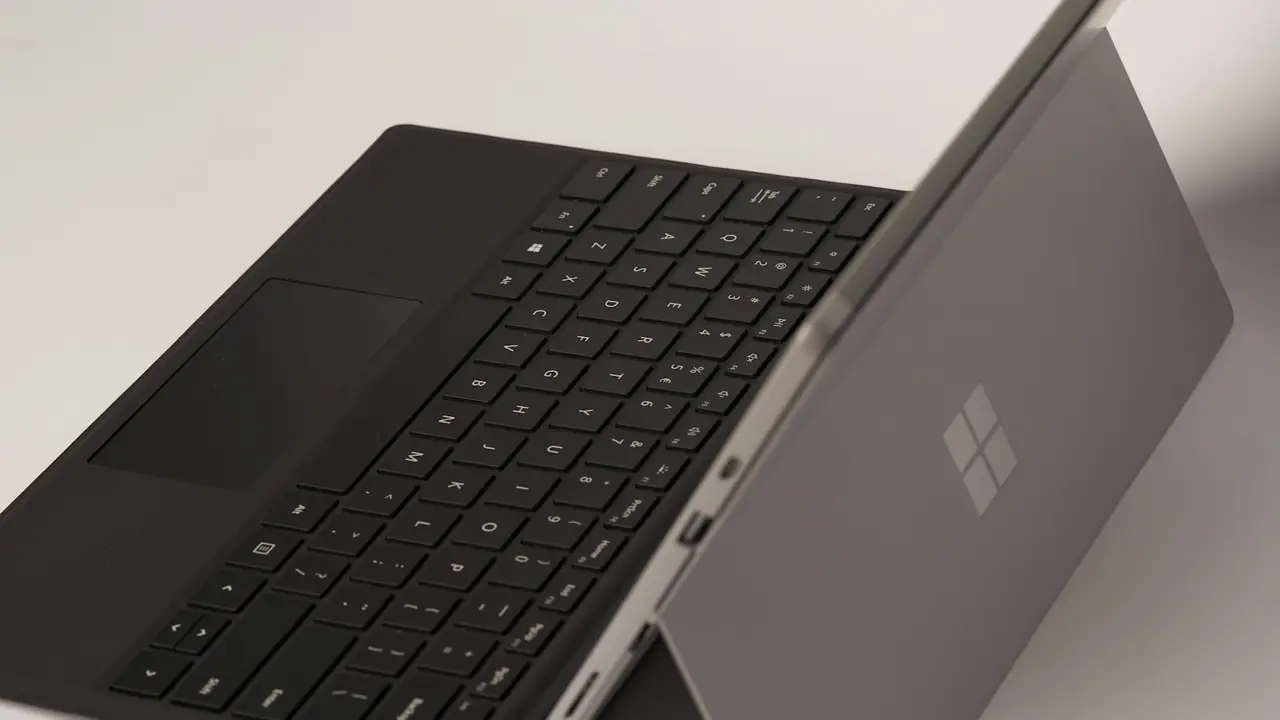
Microsoft fixes Surface Laptop Ultra reboot and display bugs
Microsoft’s October 22 firmware release targets screen flicker, unexpected restarts and slow reboots on every Surface Laptop Ultra. Delivery is staged, and the update cannot be uninstalled.
- By
- Tom Whitfield
- Filed
- Channel
- Consumer Tech
- Read
- 4 min read
By Tom Whitfield
Microsoft’s October 22 firmware release targets three Surface Laptop Ultra launch defects: screen flickering, unexpected restarts and lengthy reboot times.
What does the update actually change?
Microsoft identifies those three faults as the main purposes of the release. The package also includes additional bug fixes and general performance improvements, but the company does not name those items or explain which components they affect.
The announcement gives no firmware version number, full deployment schedule or count of affected units. It also does not state that every device experienced the same combination of symptoms, so the stated scope is narrower than a claim that every owner will see identical results.
That distinction gives users a practical test. They can check whether flickering, unexpected restarts and long reboots stop after installation, while the unnamed performance work offers no comparable checkpoint.
The update therefore confirms three remedies but leaves the wider repair package undefined.
What did the review device show?
Tom Warren, who reviewed the Surface Laptop Ultra, found that rebooting the device was “surprisingly slow.” He also saw a faint trail when moving a window around rapidly and heard speaker interference loud enough to resemble firecrackers.
The interference stopped after a reboot, but Warren said it had happened on a couple of occasions. The review team asked Microsoft whether that speaker problem fell under the additional fixes; the announcement does not answer the question.
The moving-window trail fits broadly within the display complaint, although it is not the same symptom as flickering. The speaker noise does not match any of the three named fixes, and Microsoft has not said that the unspecified performance work will resolve it.
One unit cannot establish how common each fault is. The review nevertheless gives users concrete conditions to retest after the update and shows how the reported launch complaints relate to Microsoft’s repair list.
The evidence supports installing the firmware, but it does not establish how widely the reported problems occurred.
How will the firmware reach users?
Microsoft says the update will reach every Surface Laptop Ultra device, although the devices will not receive it at the same time. A staged rollout means an owner may still be waiting when the release is available to someone else with the same model.
Users do not have to rely on that timing alone. Microsoft provides manual installation through its driver and firmware page, giving owners a way to apply the package before automatic delivery reaches their unit if they follow the published instructions.
Microsoft says users may need to take additional steps after installing the firmware. The company instructs: “We recommend that you restart your Surface to complete any remaining part of the installation. To restart your device, select Start, and then select Power > Restart.”
The manual route changes when the update arrives, not what the installation covers. Microsoft also says the firmware cannot be uninstalled or reverted to an earlier version, so users have one-way installation once they apply it.
That combination makes early checking useful because a staged rollout can delay access to the fixes. It also leaves no rollback path if the new behavior proves unsatisfactory or the restart exposes a separate problem.
Manual installation can shorten the wait, while the restart helps complete the installation; neither action restores the previous firmware.
What should owners verify next?
Owners should separate the confirmed targets from the unspecified extras. Four checks follow directly from Microsoft’s announcement:
- Confirm that the October 22 firmware has reached the device.
- Use Microsoft’s driver and firmware page for manual installation if automatic delivery has not arrived.
- Complete the recommended restart before judging screen flicker or reboot performance.
- Check the speakers separately because Microsoft has not linked the reported interference to a named fix.
The restart recommendation matters because Microsoft says it may finish the remaining part of the installation. The company gives no installation duration, version identifier or final rollout date, so the available check remains the recommended restart and a retest of the named symptoms.
Because delivery is staged, early reports will mix updated and unupdated devices. The next test is whether broad installation of the October 22 package removes flicker and reboot delays across the full Surface Laptop Ultra base once owners complete the recommended restart.
Original: support.microsoft.com
More from Tom Whitfield
Show full bio
Staff writer covering companies, deals and strategy in Semiconductors, chip manufacturing, hardware, AI compute at Chip Dispatch.
726 articles
Related articles
nvidia-returns-to-arm-windows-pcs-with-rtx-spark-on-friday-2c1a5cfb
Nvidia Returns to Arm Windows PCs With RTX Spark on Friday
googlebooks-from-dell-lenovo-hp-tested-hardware-passes-software-fails-c674104f
Googlebooks from Dell, Lenovo, HP Tested: Hardware Passes, Software Fails
surface-laptop-ultra-runs-70b-parameter-ai-model-on-arm-87d6ff58
Surface Laptop Ultra runs 70B-parameter AI model on ARM
microsoft-s-2-599-surface-laptop-ultra-puts-nvidia-rtx-spark-in-first-arm-pc-35164c89
Microsoft's $2,599 Surface Laptop Ultra Puts Nvidia RTX Spark in First Arm PC